

How Great Graphic Design Builds Trust and Boosts Business
In today’s digital-first world, your design is your first impression — and it speaks louder than words. From your logo to your social media posts, graphic design isn’t just about beauty — it’s about building trust, connecting with customers, and converting attention...

Why Every Small Business Needs a Website in 2025 (And How to Get One That Sells)
📝 Article Content: In 2025, a website is no longer optional — it's your digital storefront, your best marketing tool, and your 24/7 salesperson. 📌 Top Reasons Your Small Business Needs a Website: Credibility Boost: 75% of users judge a business’s credibility based on...
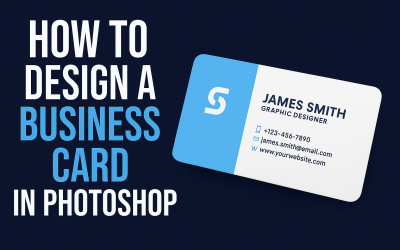
How to Design a Business Card in Photoshop – Step-by-Step
✅ Step-by-Step Guide: Open Photoshop and create a new document (Size: 3.5 x 2 inches, Resolution: 300 dpi, Color Mode: CMYK). Add guides for bleed and margins (0.125" bleed on all sides). Use the Rectangle Tool to create layout blocks for name, logo, contact details....
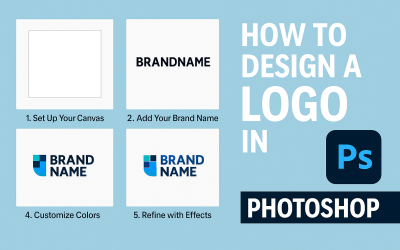
How to Design a Logo in Photoshop (Beginner Friendly)
Introduction:Creating a logo in Photoshop is one of the first steps to build a brand identity. Whether you're a freelancer, startup, or just exploring design, Photoshop offers all the tools to craft a professional logo. Let’s design a simple, modern logo in just a few...
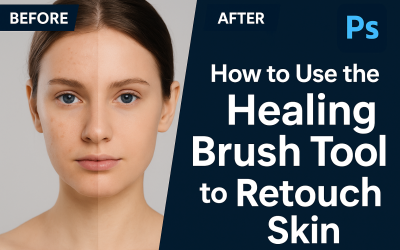
Photoshop Quick Tip: How to Use the Healing Brush Tool to Retouch Skin
🧠 Steps: Open your portrait image in Photoshop. Select the Healing Brush Tool (J). Hold Alt/Option and click to sample clean skin. Gently paint over blemishes, acne, or spots. Zoom in for precision and adjust brush size as needed. Use a new layer for non-destructive...
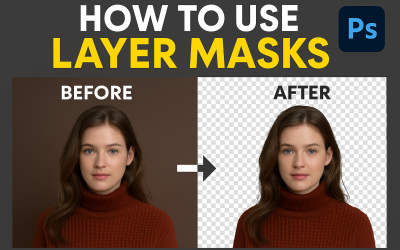
Photoshop Tip: How to Use Layer Masks for Non-Destructive Editing
Steps: Open your image and select the layer you want to edit. Click the “Add Layer Mask” icon at the bottom of the Layers panel. Select the Brush Tool (B) and set foreground to black. Paint over areas to hide them (non-destructive erase). Switch to white to bring...
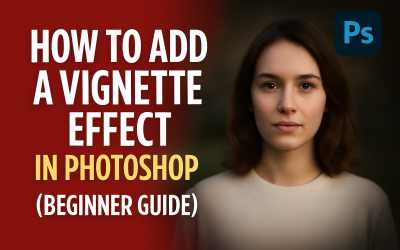
Photoshop Quick Tip: How to Add a Vignette Effect to Your Photo
🧠 What is a Vignette Effect? A vignette darkens the edges of an image to draw attention to the center. It’s a classic photo-editing trick used in portraits, thumbnails, or dramatic compositions. 🛠️ Steps to Add a Vignette in Photoshop: Open your photo in Photoshop. Go...
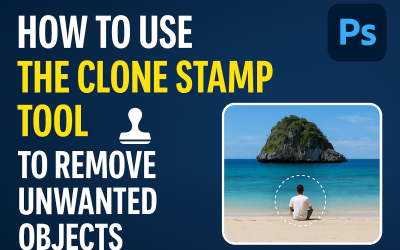
Photoshop Quick Tip: How to Use the Clone Stamp Tool to Remove Unwanted Objects
🧠 What is the Clone Stamp Tool? The Clone Stamp Tool (S) in Photoshop allows you to copy pixels from one part of an image and paint them over another. It’s perfect for removing dust, power lines, blemishes, or any unwanted object. 🛠️ Steps to Use the Clone Stamp Tool:...
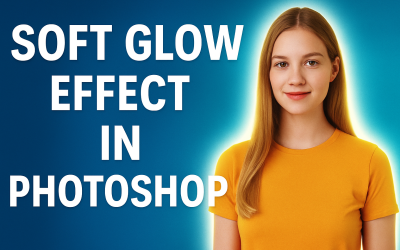
Photoshop Tip: How to Create a Soft Glow Effect Around an Object
🎨 Photoshop Quick Tip #5: Soft Glow Effect Around an Object Want your subject to pop with a soft glowing light? This effect adds mood and magic to thumbnails, portraits, and posters. Let’s do it in under a minute! 🧠 Steps to Create a Soft Glow Effect: Select your...
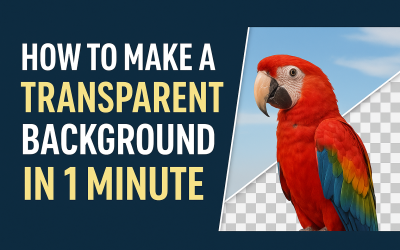
Photoshop Tip: Create a Transparent Background in 1 Minute
🎨 Photoshop Quick Tip #4: How to Make a Transparent Background in 1 Minute Want to export your logo or object without any background? Here’s a fast way to remove the background and save it as a transparent PNG. 🧠 Steps to Make a Transparent Background: Open your image...
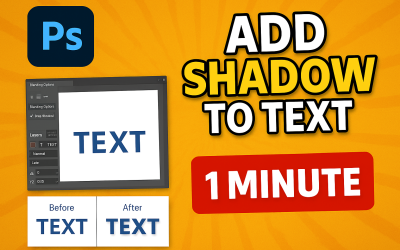
Photoshop Tip: How to Add Shadow to Text Like a Pro
🎨 Photoshop Quick Tip #3: How to Add Shadow to Text Like a Pro Want your text to stand out in posters, thumbnails, or ads? A clean, realistic shadow adds instant depth and drama. Here's how to do it in less than a minute. 🧠 Steps to Add Shadow to Text: Open a new or...
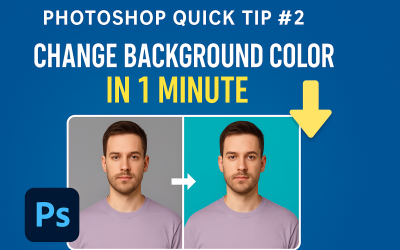
Photoshop Tip: How to Change Background Color in 1 Minute
🎨 Photoshop Quick Tip #2: Change Background Color in 1 Minute Want to make your product pop or give your portrait a fresh look? Changing the background color in Photoshop is easier than you think — and it takes less than a minute! 🪄 Steps to Change Background Color:...

Quick Tip: Instantly Remove Any Object Using Content-Aware Fill in Photoshop
🧠 Photoshop Quick Tip #1: Instantly Remove Unwanted Objects Ever clicked a perfect photo... but someone’s hand or a trash can ruined it? Here’s a fast way to remove anything using Photoshop’s Content-Aware Fill tool. ✨ How to Use It: Open your image in Photoshop....

Top 5 Graphic Design Trends in 2025
Top 5 Graphic Design Trends in 2025 In the fast-evolving world of design, staying updated is not just a choice—it’s a necessity. Whether you’re a freelance designer, a brand owner, or a design student, knowing the latest trends can give you a creative edge. So, what...