
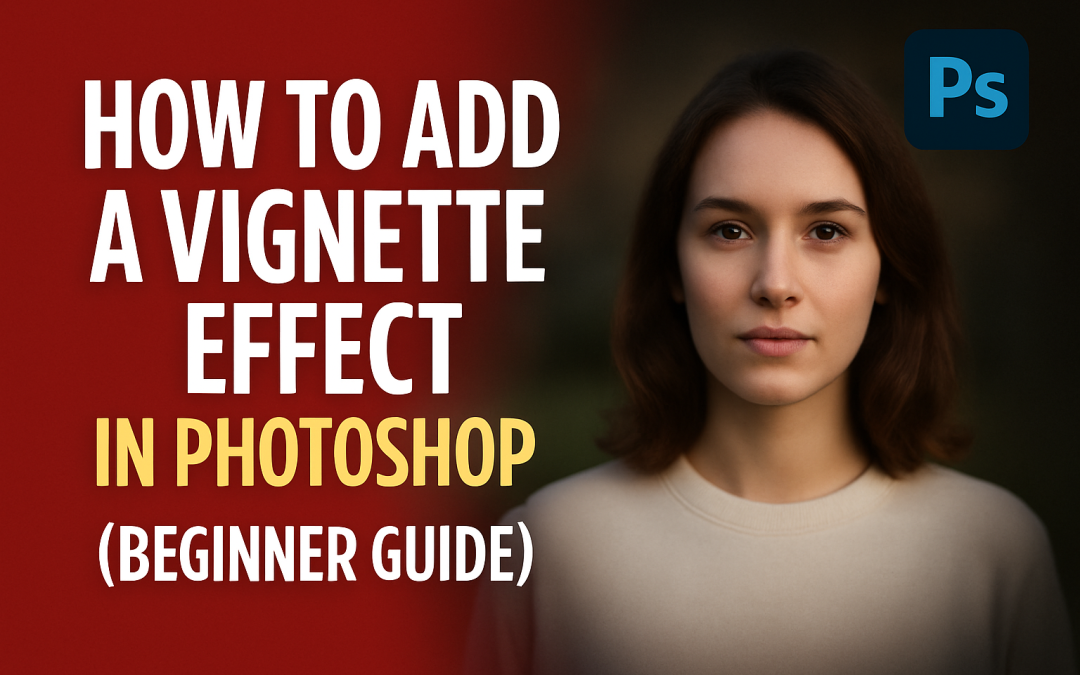
🧠 What is a Vignette Effect?
A vignette darkens the edges of an image to draw attention to the center. It’s a classic photo-editing trick used in portraits, thumbnails, or dramatic compositions.
🛠️ Steps to Add a Vignette in Photoshop:
- Open your photo in Photoshop.
- Go to Filter > Lens Correction.
- Switch to the Custom tab.
- Under Vignette, adjust:
-
-
Amount: Move left for a dark edge (recommended: -20 to -50)
-
Midpoint: Controls how far the vignette reaches into the photo
-
- Click OK — the vignette is applied!
💡 Bonus (Non-Destructive Method):
- Create a new layer and fill it with black.
- Go to Filter > Lens Blur or use Elliptical Marquee Tool + Feather to mask the center.
- Change the layer’s Blending Mode to Soft Light or Overlay.
- Adjust opacity to fine-tune.
📌 When to Use:
- To highlight the subject in portraits
- To create cinematic thumbnails
- To add mood in low-light or dramatic scenes