by ChiragV | Jul 31, 2025 | Tips & Updates
In today’s digital-first world, your design is your first impression — and it speaks louder than words. From your logo to your social media posts, graphic design isn’t just about beauty — it’s about building trust, connecting with customers, and converting attention...

by ChiragV | Jul 30, 2025 | Tips & Updates
📝 Article Content: In 2025, a website is no longer optional — it’s your digital storefront, your best marketing tool, and your 24/7 salesperson. 📌 Top Reasons Your Small Business Needs a Website: Credibility Boost: 75% of users judge a business’s credibility...
by ChiragV | Jul 25, 2025 | Tips & Updates
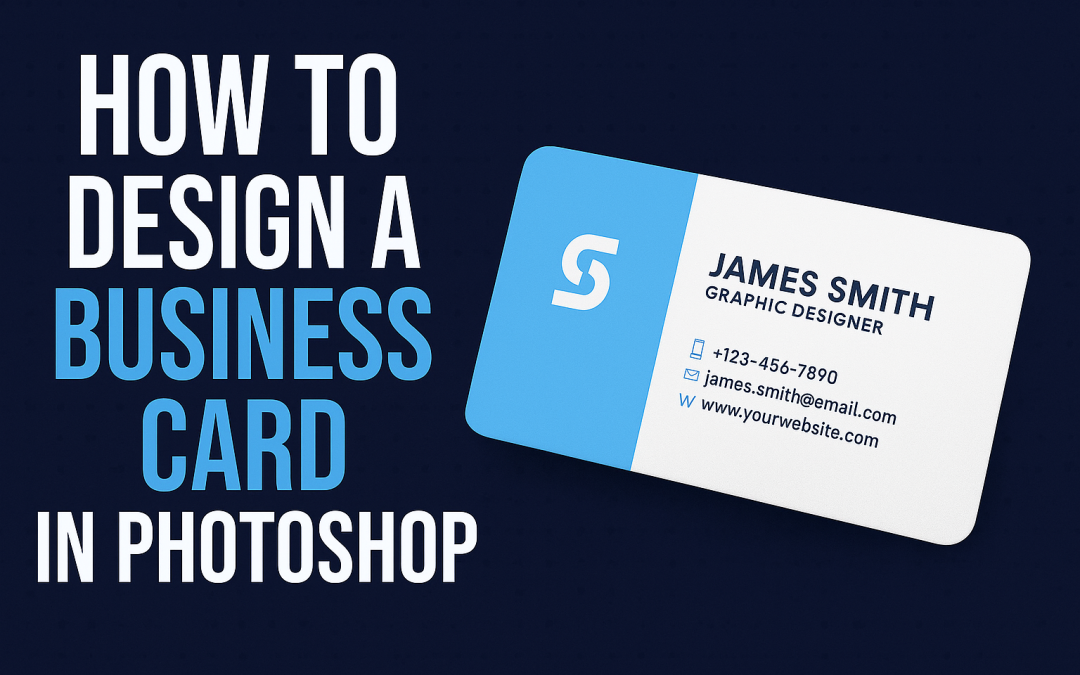
✅ Step-by-Step Guide: Open Photoshop and create a new document (Size: 3.5 x 2 inches, Resolution: 300 dpi, Color Mode: CMYK). Add guides for bleed and margins (0.125″ bleed on all sides). Use the Rectangle Tool to create layout blocks for name, logo, contact...
by ChiragV | Jul 24, 2025 | Tips & Updates
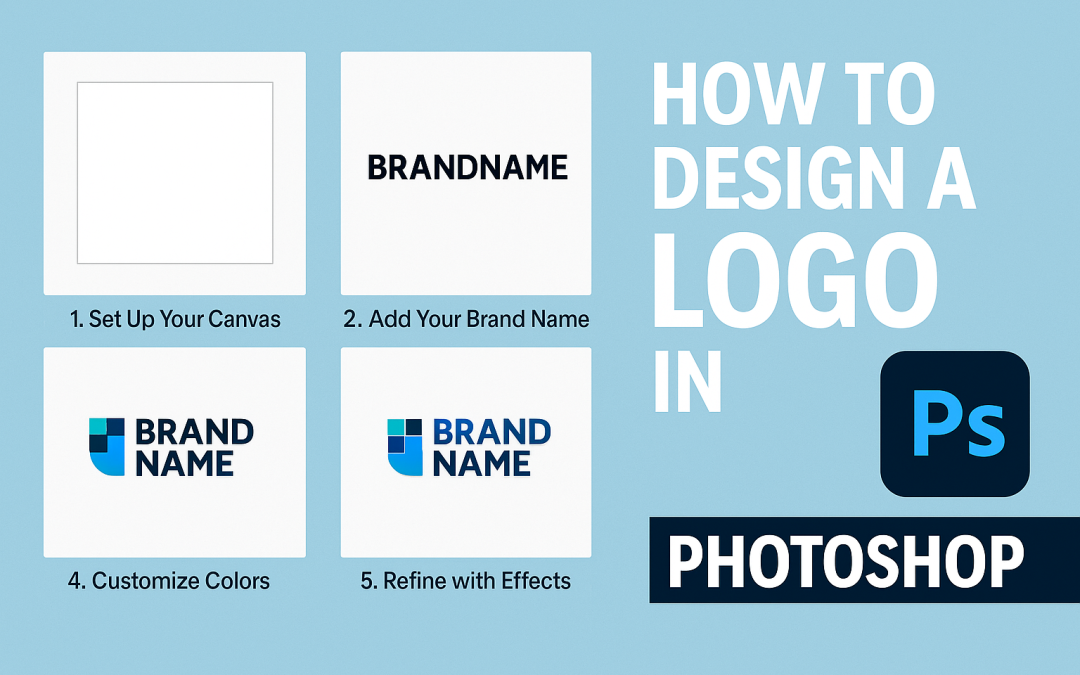
Introduction:Creating a logo in Photoshop is one of the first steps to build a brand identity. Whether you’re a freelancer, startup, or just exploring design, Photoshop offers all the tools to craft a professional logo. Let’s design a simple, modern logo in just...
by ChiragV | Jul 21, 2025 | Tips & Updates
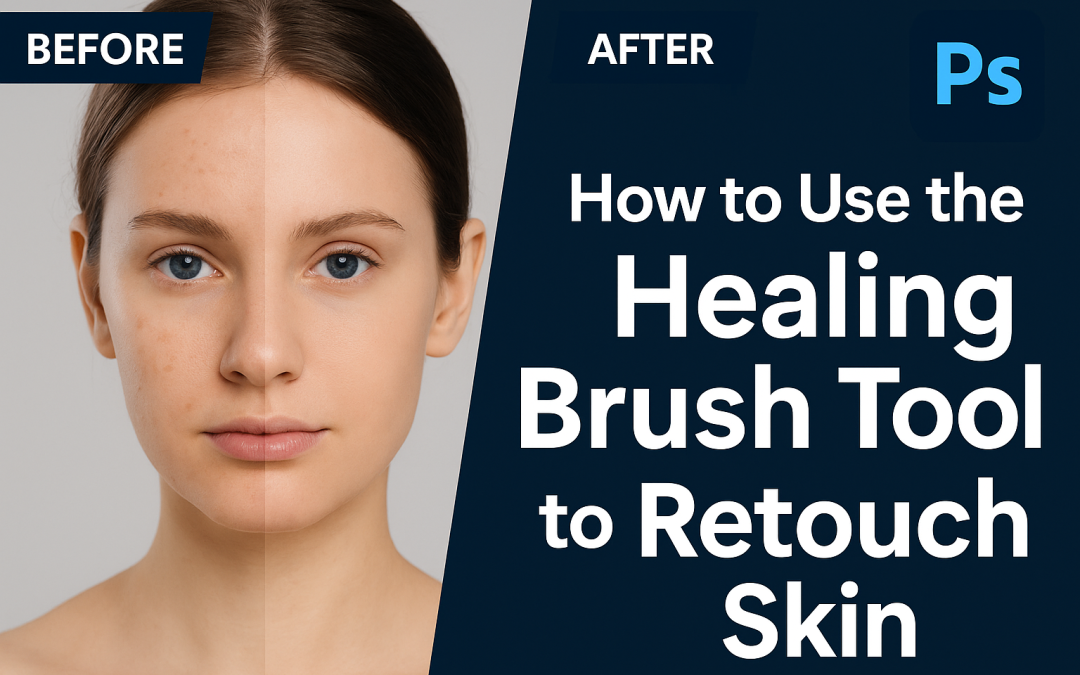
🧠 Steps: Open your portrait image in Photoshop. Select the Healing Brush Tool (J). Hold Alt/Option and click to sample clean skin. Gently paint over blemishes, acne, or spots. Zoom in for precision and adjust brush size as needed. Use a new layer for non-destructive...