by ChiragV | Jul 31, 2025 | Tips & Updates
In today’s digital-first world, your design is your first impression — and it speaks louder than words. From your logo to your social media posts, graphic design isn’t just about beauty — it’s about building trust, connecting with customers, and converting attention...

by ChiragV | Jul 30, 2025 | Tips & Updates
📝 Article Content: In 2025, a website is no longer optional — it’s your digital storefront, your best marketing tool, and your 24/7 salesperson. 📌 Top Reasons Your Small Business Needs a Website: Credibility Boost: 75% of users judge a business’s credibility...
by ChiragV | Jul 25, 2025 | Tips & Updates
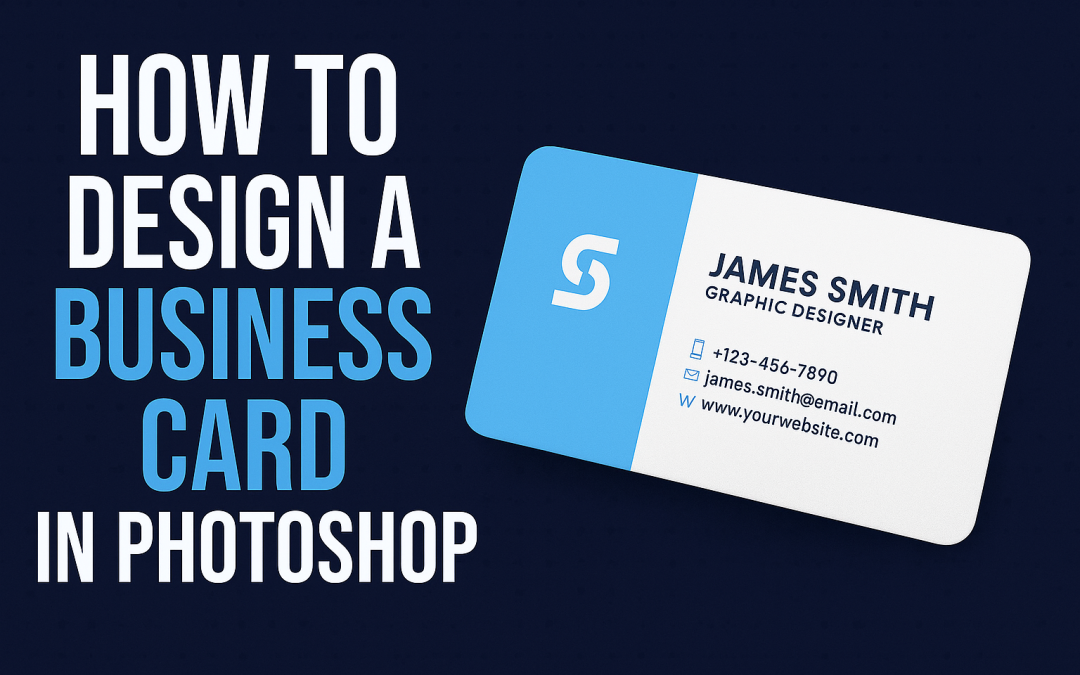
✅ Step-by-Step Guide: Open Photoshop and create a new document (Size: 3.5 x 2 inches, Resolution: 300 dpi, Color Mode: CMYK). Add guides for bleed and margins (0.125″ bleed on all sides). Use the Rectangle Tool to create layout blocks for name, logo, contact...
by ChiragV | Jul 24, 2025 | Tips & Updates
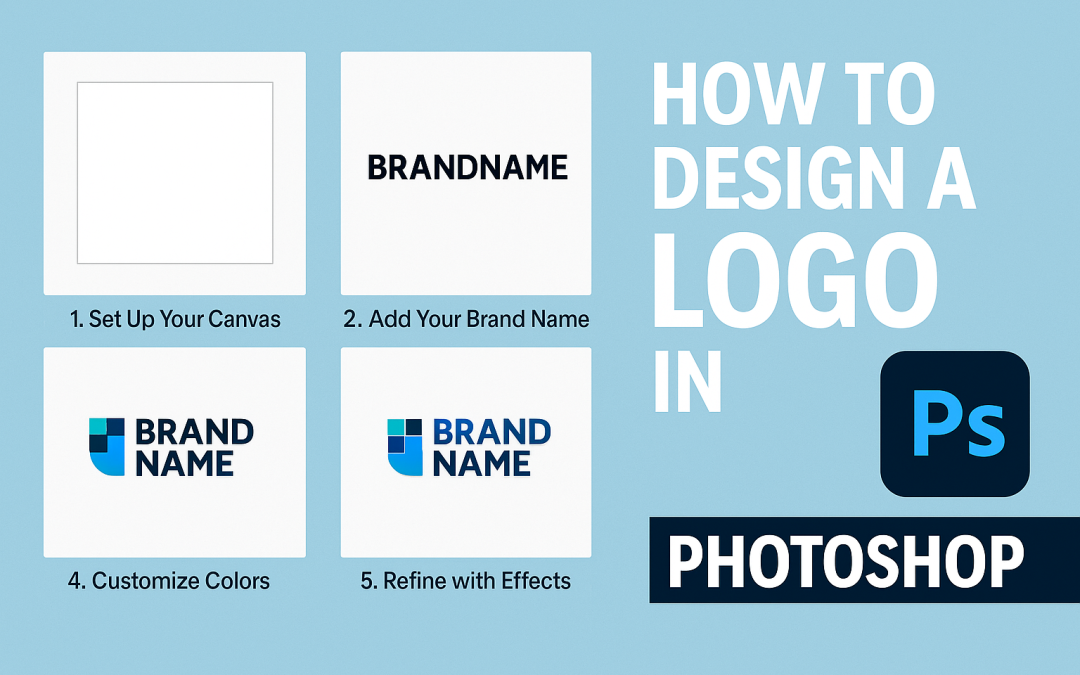
Introduction:Creating a logo in Photoshop is one of the first steps to build a brand identity. Whether you’re a freelancer, startup, or just exploring design, Photoshop offers all the tools to craft a professional logo. Let’s design a simple, modern logo in just...
by ChiragV | Jul 21, 2025 | Tips & Updates
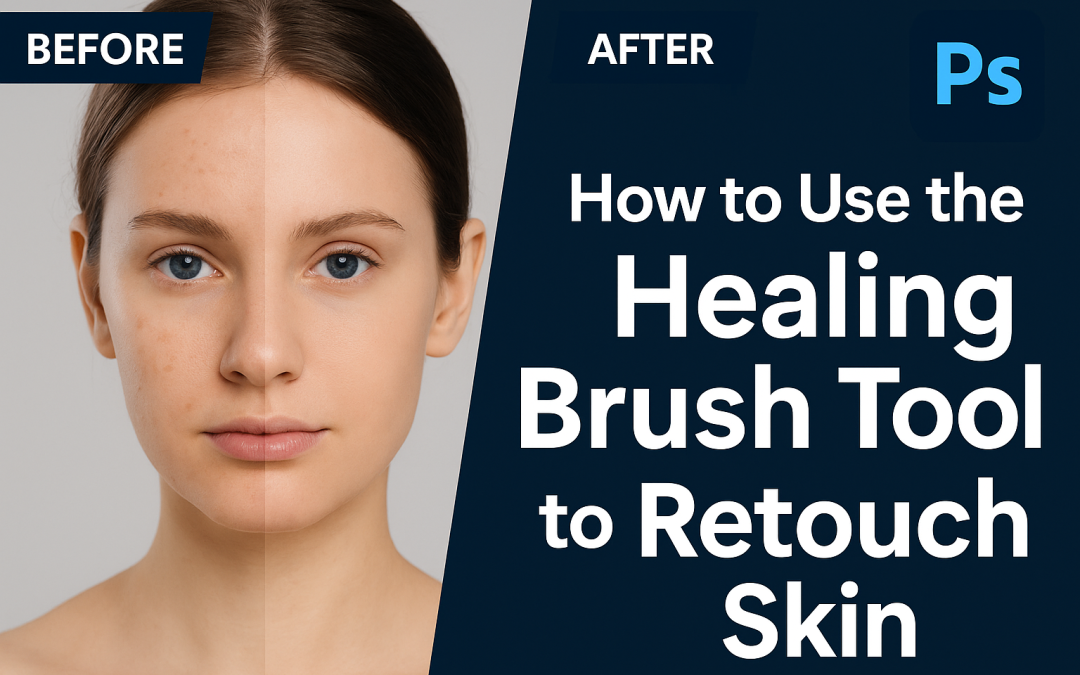
🧠 Steps: Open your portrait image in Photoshop. Select the Healing Brush Tool (J). Hold Alt/Option and click to sample clean skin. Gently paint over blemishes, acne, or spots. Zoom in for precision and adjust brush size as needed. Use a new layer for non-destructive...
by ChiragV | Jul 20, 2025 | Tips & Updates
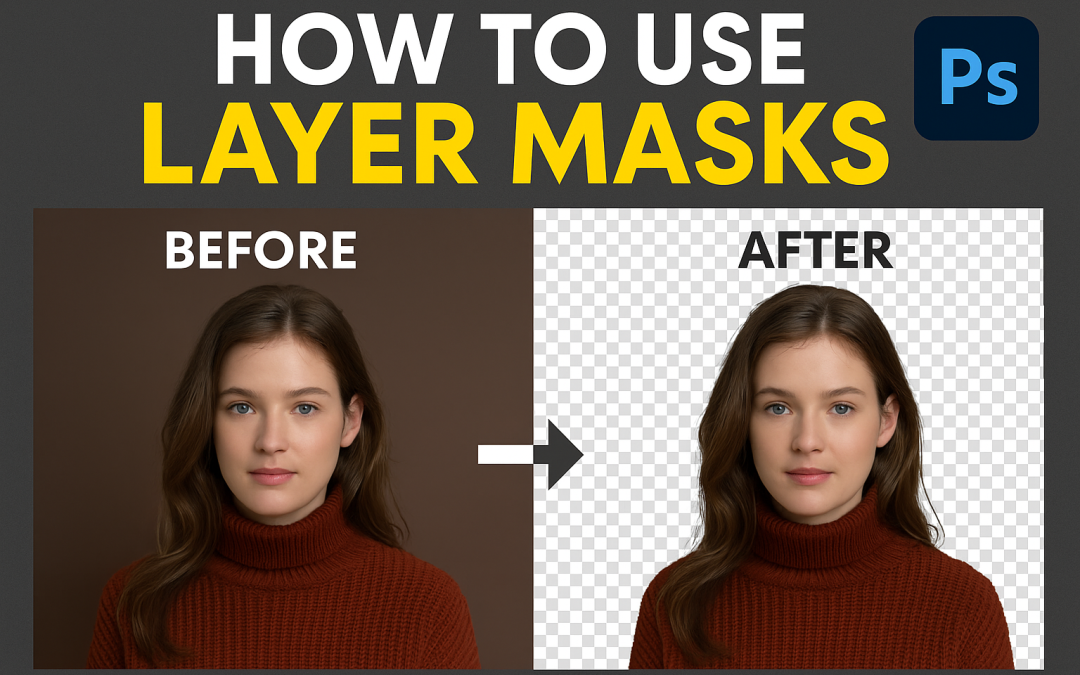
Steps: Open your image and select the layer you want to edit. Click the “Add Layer Mask” icon at the bottom of the Layers panel. Select the Brush Tool (B) and set foreground to black. Paint over areas to hide them (non-destructive erase). Switch to white to bring...