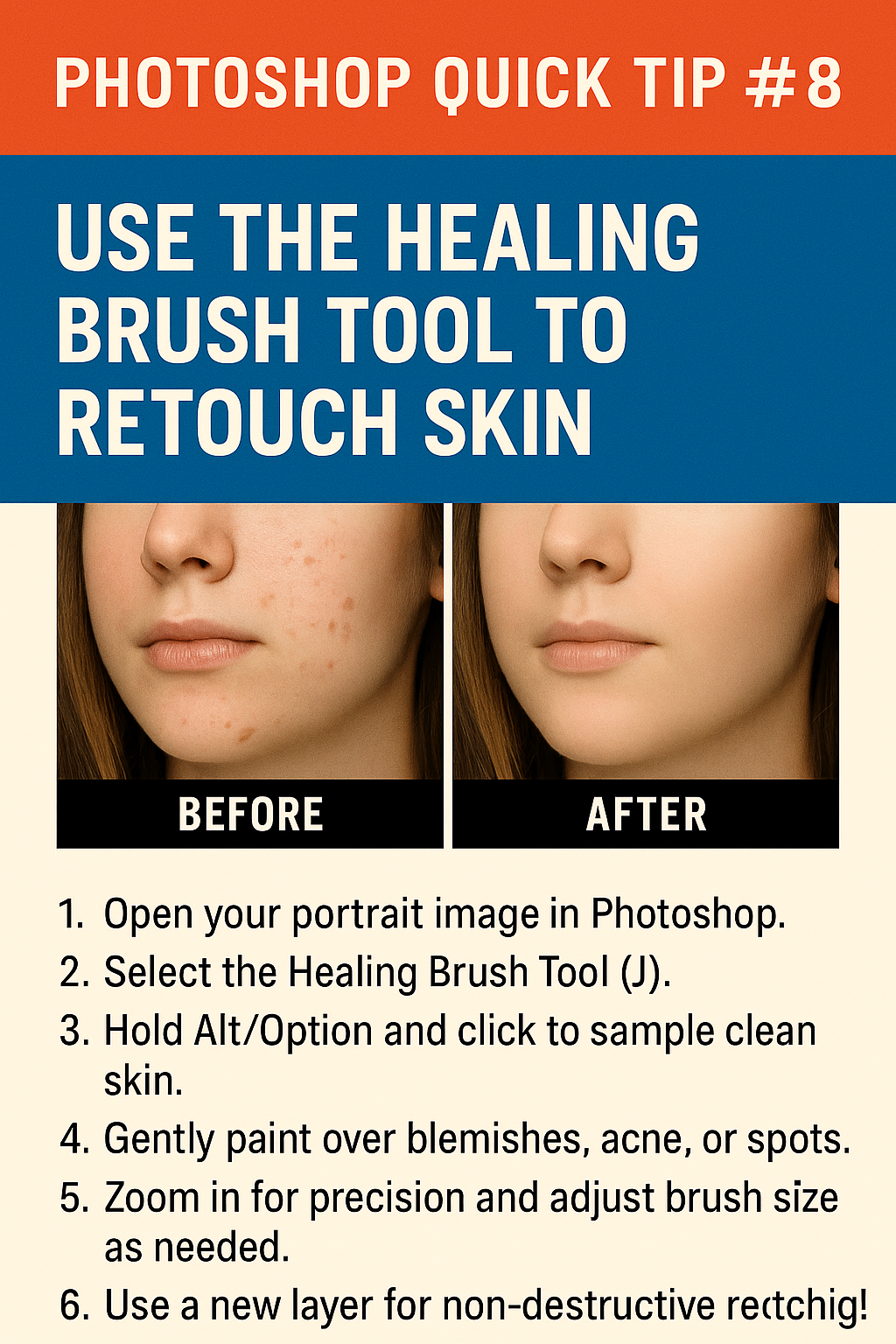
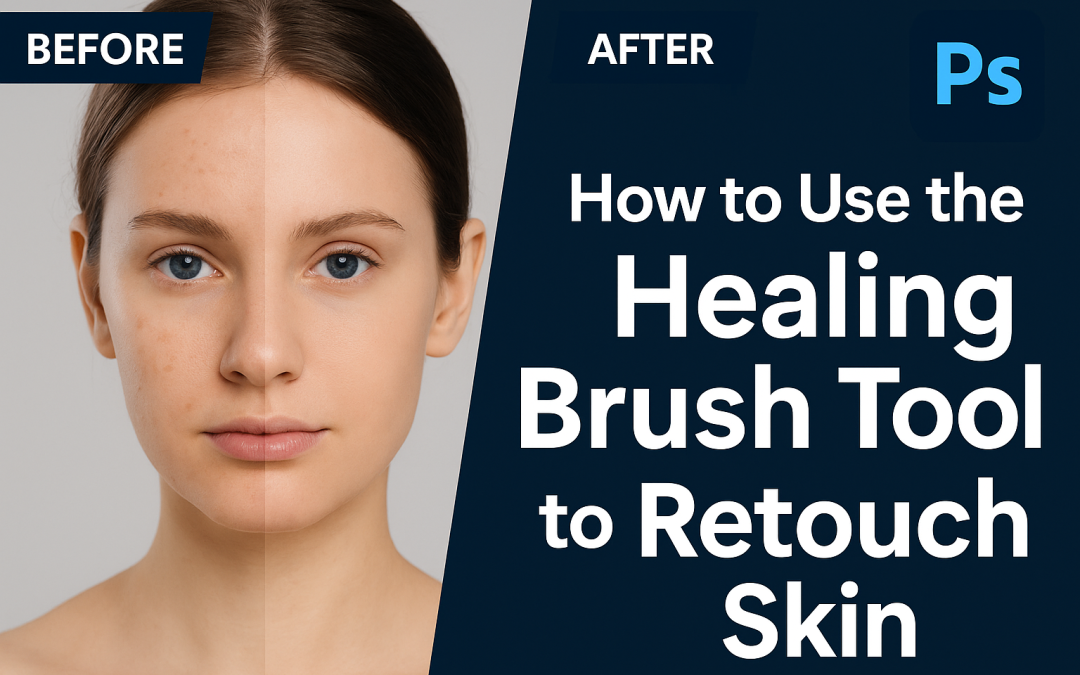
🧠 Steps:
- Open your portrait image in Photoshop.
- Select the Healing Brush Tool (J).
- Hold Alt/Option and click to sample clean skin.
- Gently paint over blemishes, acne, or spots.
- Zoom in for precision and adjust brush size as needed.
- Use a new layer for non-destructive retouching!
This is great for portraits, professional headshots, or product models.