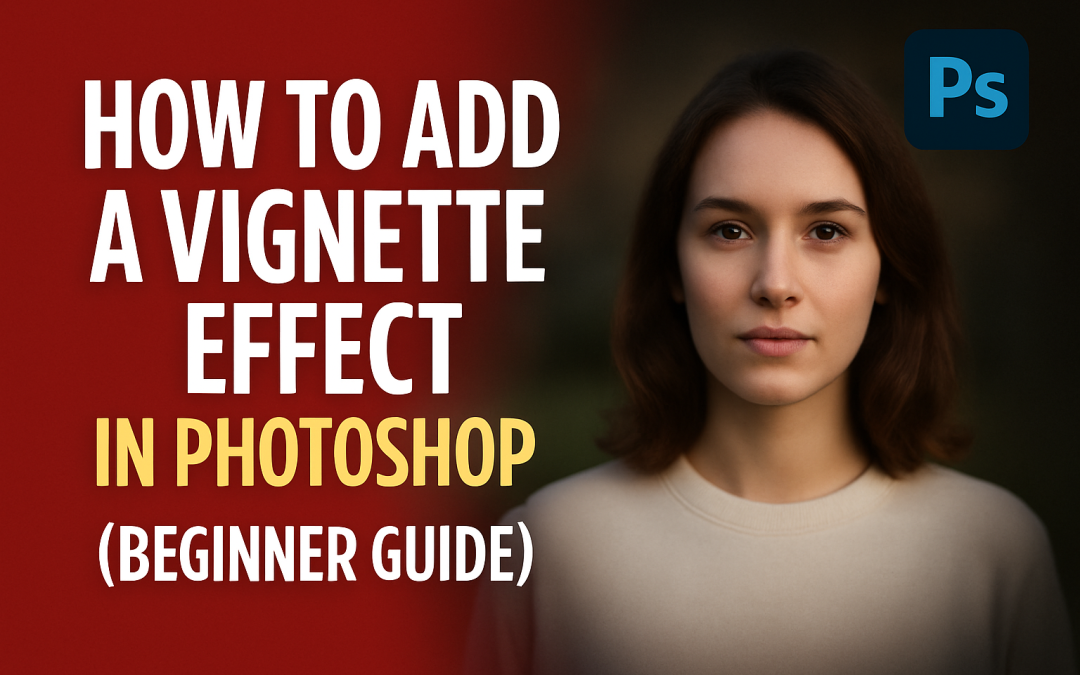
by ChiragV | Jul 19, 2025 | Tips & Updates
🧠 What is a Vignette Effect? A vignette darkens the edges of an image to draw attention to the center. It’s a classic photo-editing trick used in portraits, thumbnails, or dramatic compositions. 🛠️ Steps to Add a Vignette in Photoshop: Open your photo in Photoshop. Go...
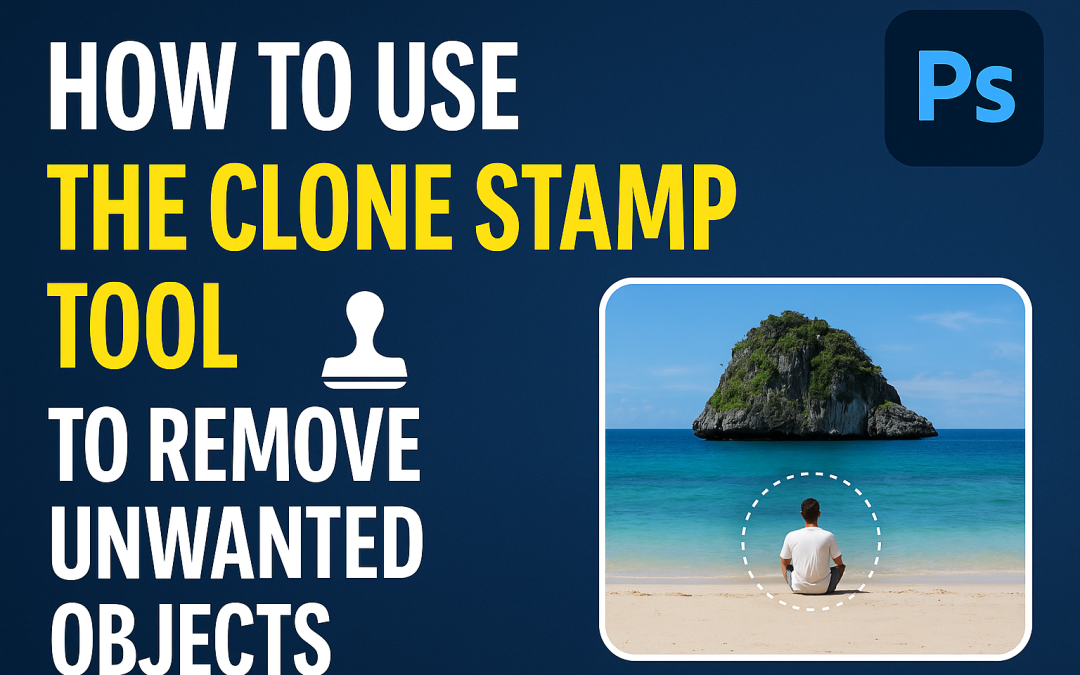
by ChiragV | Jul 18, 2025 | Tips & Updates
🧠 What is the Clone Stamp Tool? The Clone Stamp Tool (S) in Photoshop allows you to copy pixels from one part of an image and paint them over another. It’s perfect for removing dust, power lines, blemishes, or any unwanted object. 🛠️ Steps to Use the Clone Stamp Tool:...
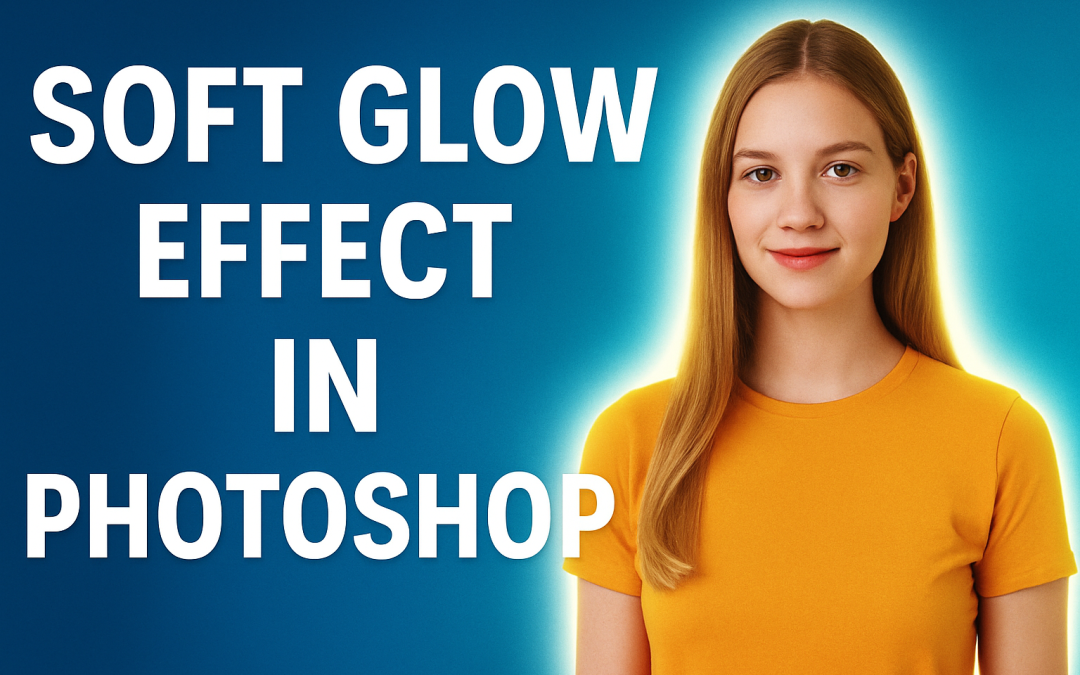
by ChiragV | Jul 17, 2025 | Tips & Updates
🎨 Photoshop Quick Tip #5: Soft Glow Effect Around an Object Want your subject to pop with a soft glowing light? This effect adds mood and magic to thumbnails, portraits, and posters. Let’s do it in under a minute! 🧠 Steps to Create a Soft Glow Effect: Select your...
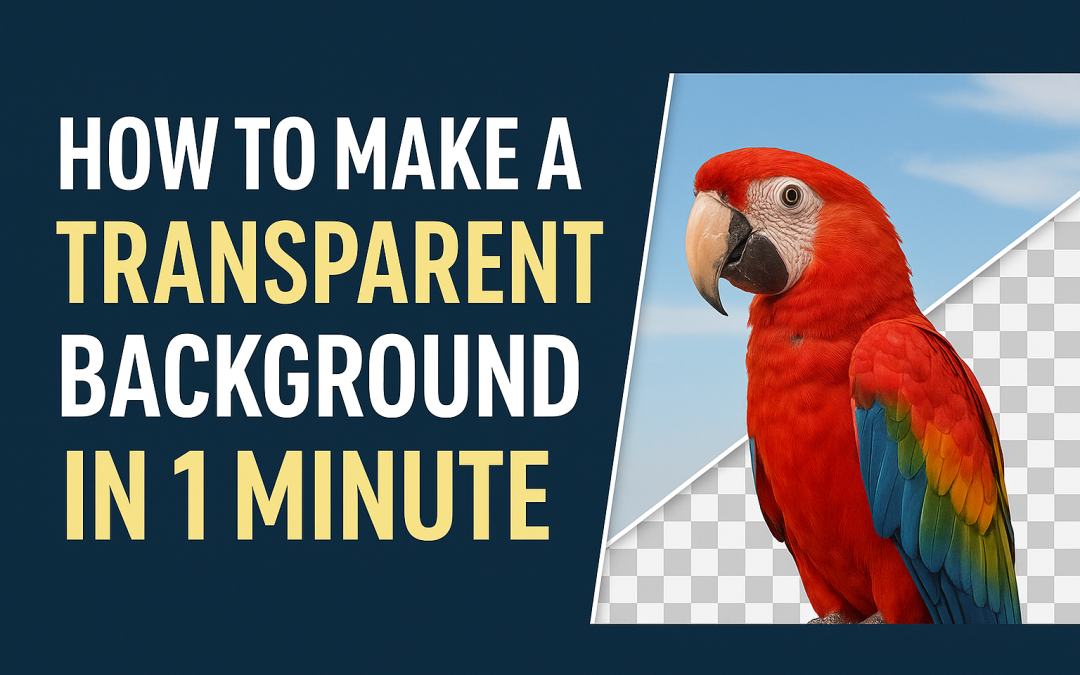
by ChiragV | Jul 16, 2025 | Tips & Updates
🎨 Photoshop Quick Tip #4: How to Make a Transparent Background in 1 Minute Want to export your logo or object without any background? Here’s a fast way to remove the background and save it as a transparent PNG. 🧠 Steps to Make a Transparent Background: Open your image...
by ChiragV | Jul 15, 2025 | Tips & Updates
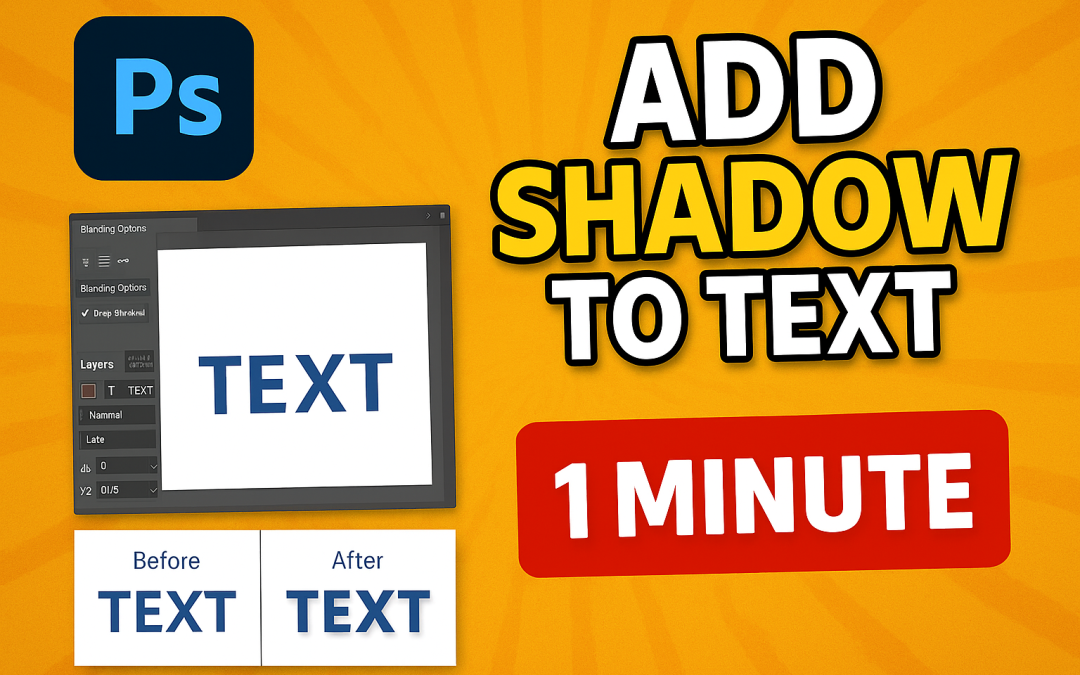
🎨 Photoshop Quick Tip #3: How to Add Shadow to Text Like a Pro Want your text to stand out in posters, thumbnails, or ads? A clean, realistic shadow adds instant depth and drama. Here’s how to do it in less than a minute. 🧠 Steps to Add Shadow to Text: Open a...
by ChiragV | Jul 12, 2025 | Tips & Updates
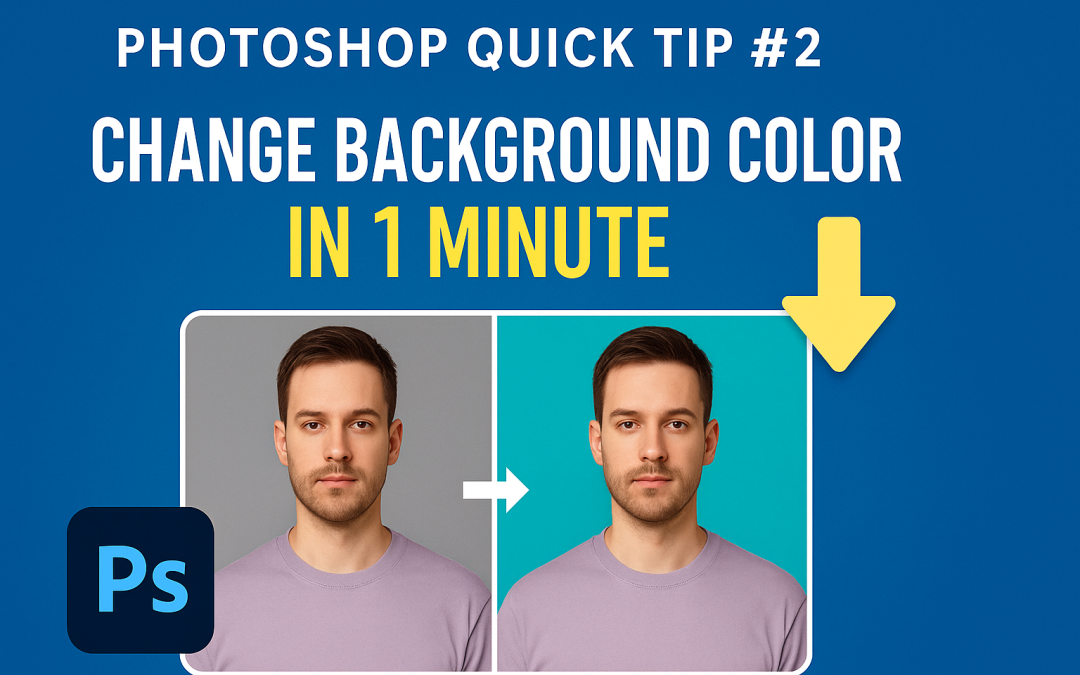
🎨 Photoshop Quick Tip #2: Change Background Color in 1 Minute Want to make your product pop or give your portrait a fresh look? Changing the background color in Photoshop is easier than you think — and it takes less than a minute! 🪄 Steps to Change Background Color:...