

🧠 Photoshop Quick Tip #1: Instantly Remove Unwanted Objects
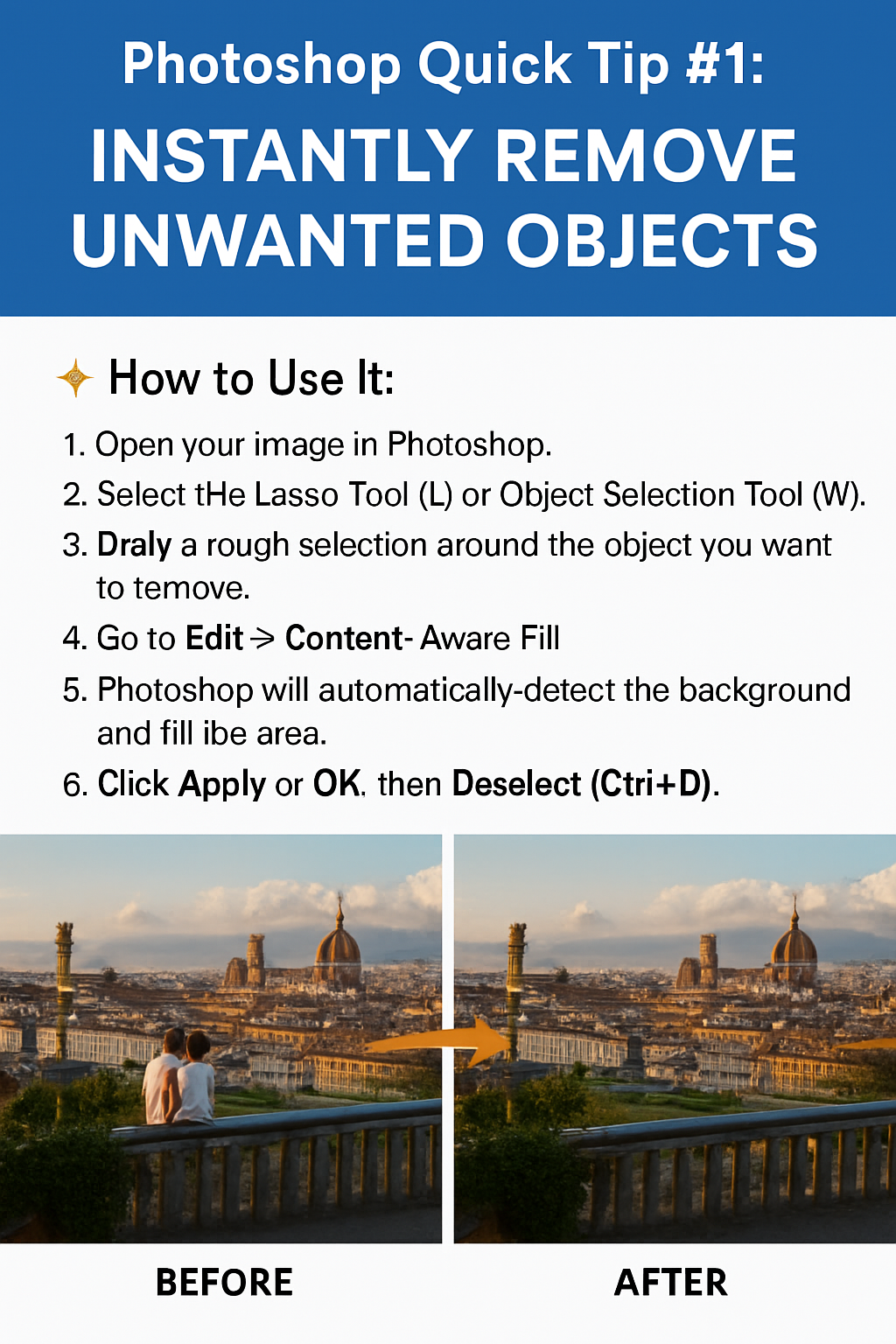
Ever clicked a perfect photo… but someone’s hand or a trash can ruined it? Here’s a fast way to remove anything using Photoshop’s Content-Aware Fill tool.
✨ How to Use It:
-
Open your image in Photoshop.
-
Select the Lasso Tool (L) or Object Selection Tool (W).
-
Draw a rough selection around the object you want to remove.
-
Go to Edit > Content-Aware Fill
-
Photoshop will automatically detect the background and fill the area.
-
Click Apply or OK, then Deselect (Ctrl+D).
💡 Pro Tip:
Use Spot Healing Brush Tool (J) after Content-Aware Fill to clean up small edges or textures for a seamless finish.
📌 Why This Tip Rocks:
-
Works great for travel photos, product shots, portraits
-
Beginner-friendly but super powerful
-
Saves tons of editing time!
📣 Want to learn these tricks hands-on?
Join our Photoshop Training at Akshar Graphics and Technology – beginner to advanced in one course!