
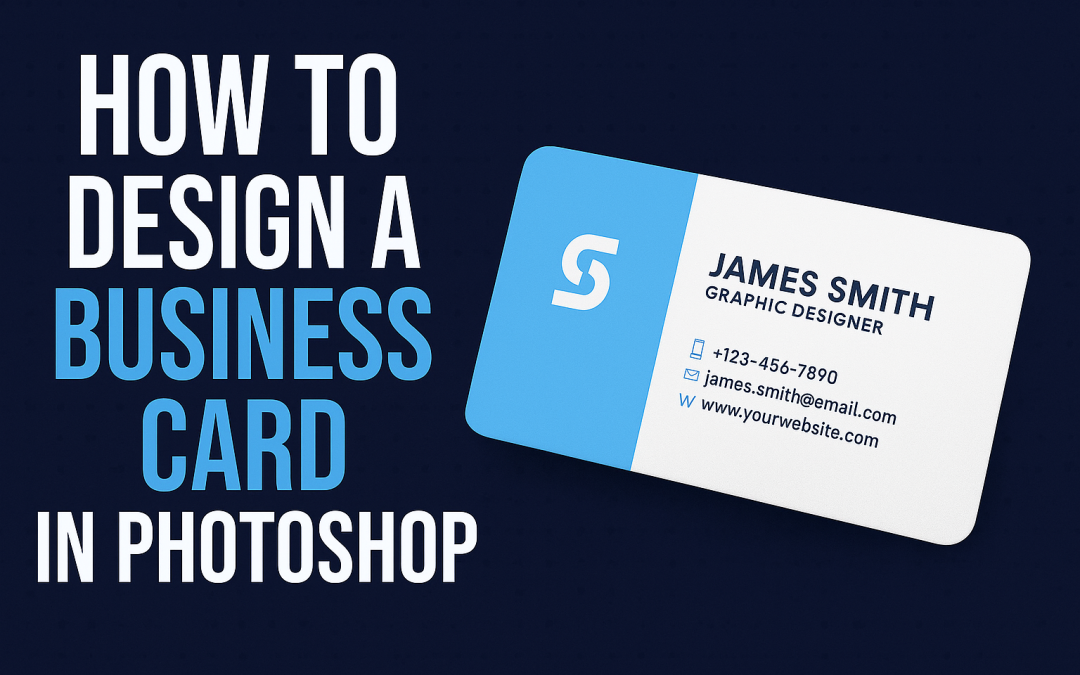
✅ Step-by-Step Guide:
- Open Photoshop and create a new document (Size: 3.5 x 2 inches, Resolution: 300 dpi, Color Mode: CMYK).
- Add guides for bleed and margins (0.125″ bleed on all sides).
- Use the Rectangle Tool to create layout blocks for name, logo, contact details.
- Add your logo and text using the Text Tool (T) – keep fonts clean and readable.
- Maintain a balanced and minimalist layout; avoid clutter.
- Use Layer Styles (shadow, stroke) for subtle highlights.
- Save as PSD for future edits and export as PDF or PNG for print.