
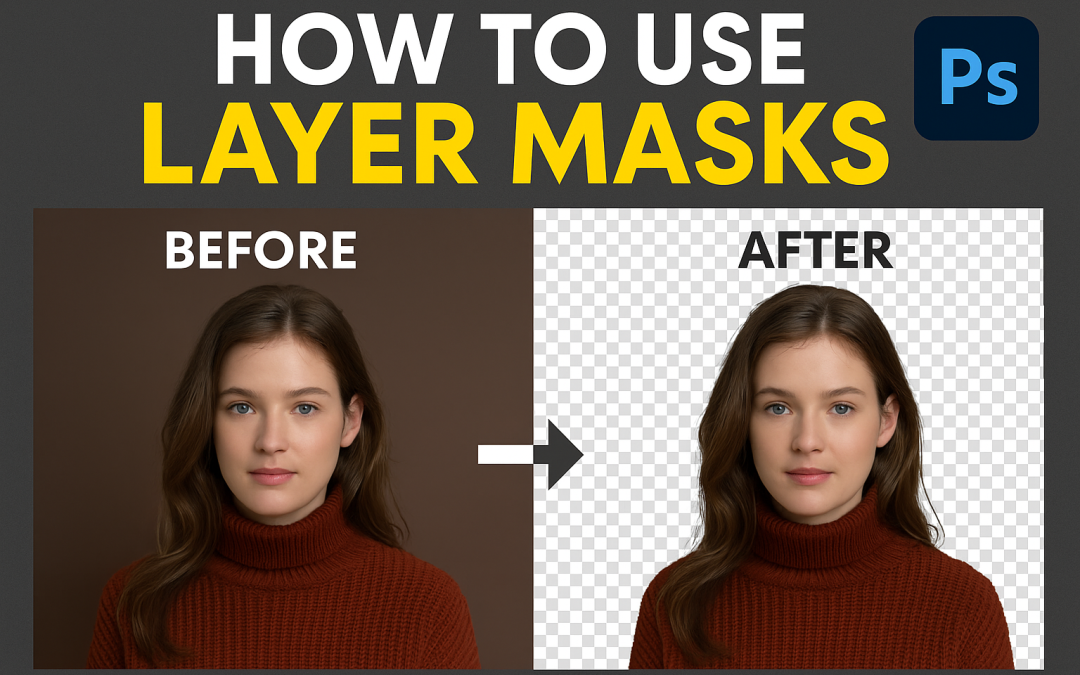
Steps:
- Open your image and select the layer you want to edit.
- Click the “Add Layer Mask” icon at the bottom of the Layers panel.
- Select the Brush Tool (B) and set foreground to black.
- Paint over areas to hide them (non-destructive erase).
- Switch to white to bring hidden parts back.
- Use soft brushes for smooth transitions.
🔁 Black hides, white reveals!